Leave a team
For agents and loan officers · 1 min
Leave a team from its Settings. It happens right away, and everything of your own stays with you.
Watch
Or read it step by step
-
Settings
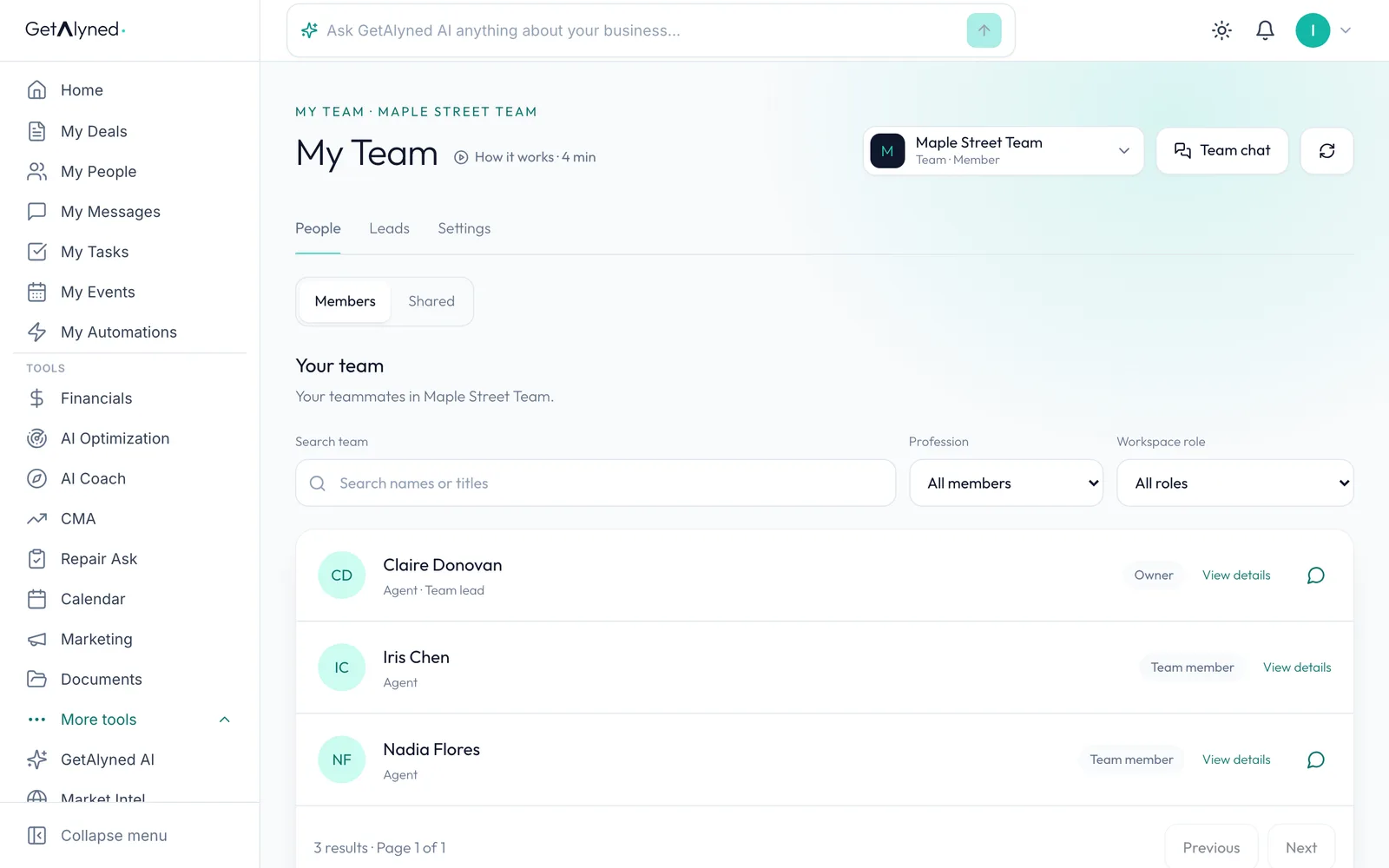
Open My Team, then Settings.
-
Leave this team
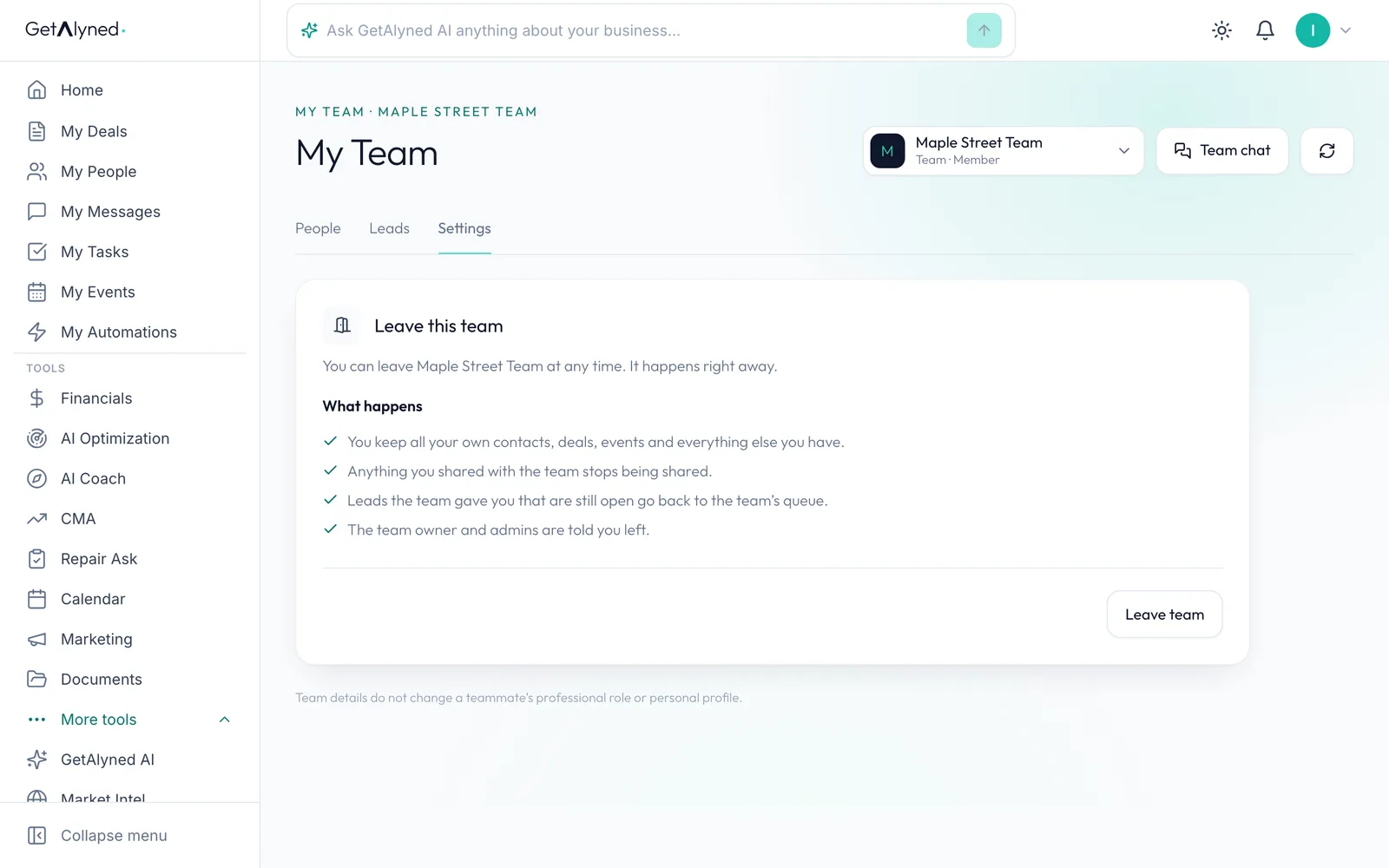
Leave this team says what happens. Your own contacts, deals and events stay yours, sharing stops, and open team leads go back to the team's queue.
-
Leave team
Click Leave team. Any member except the owner can leave, at any time.
-
Confirm
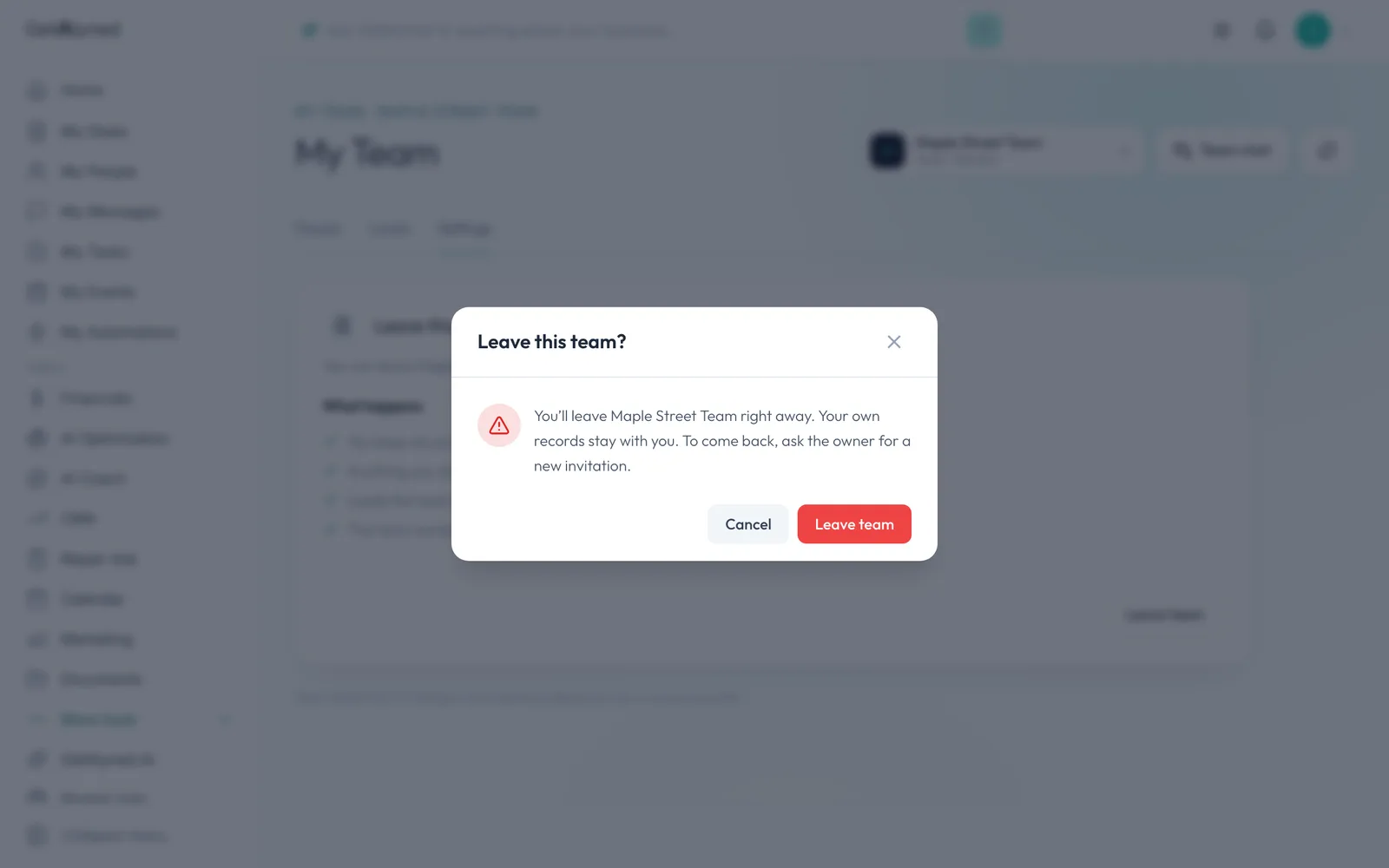
Confirm, and you're off the team right away. To come back, ask the owner for a new invitation.
-
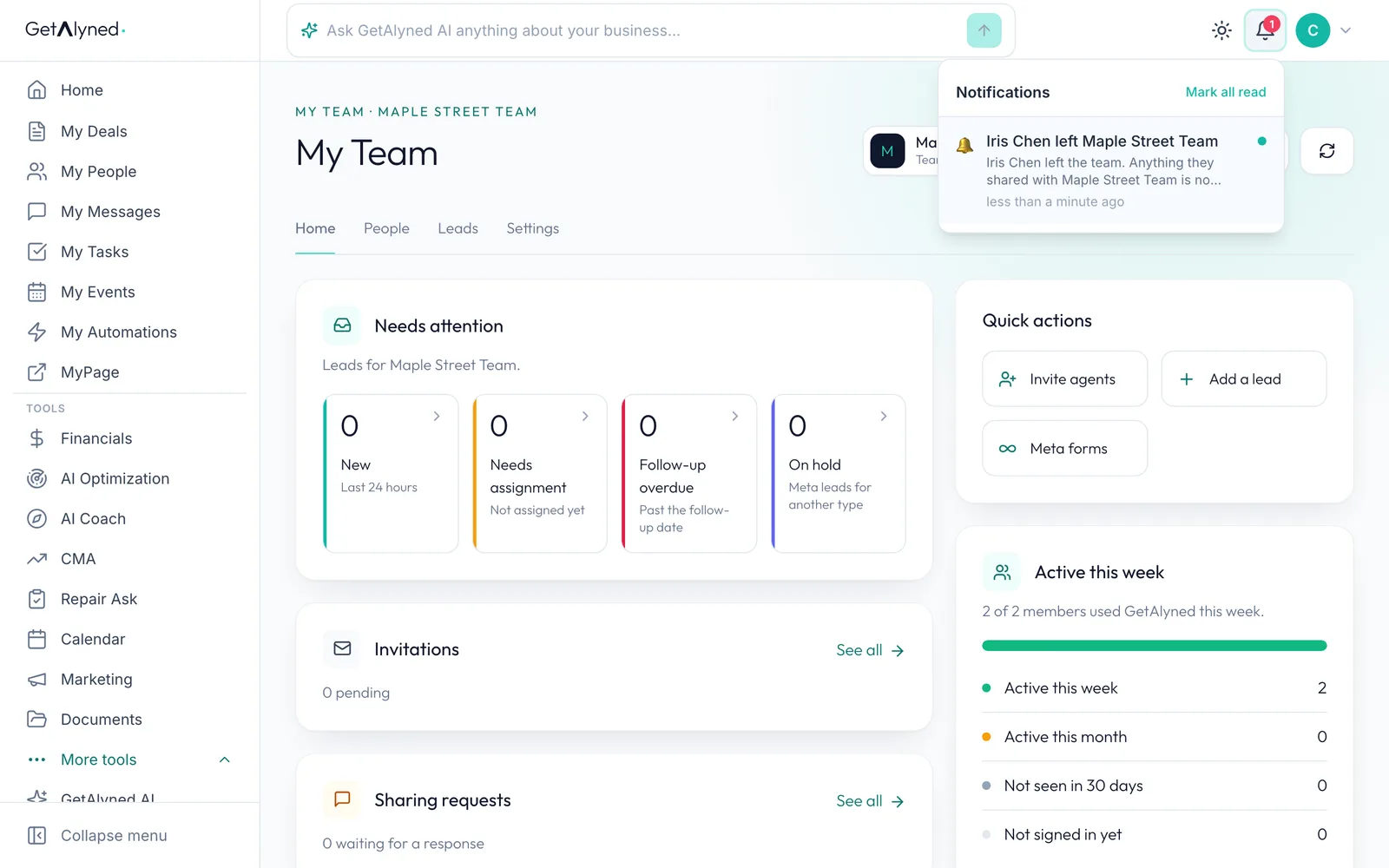
The owner is told
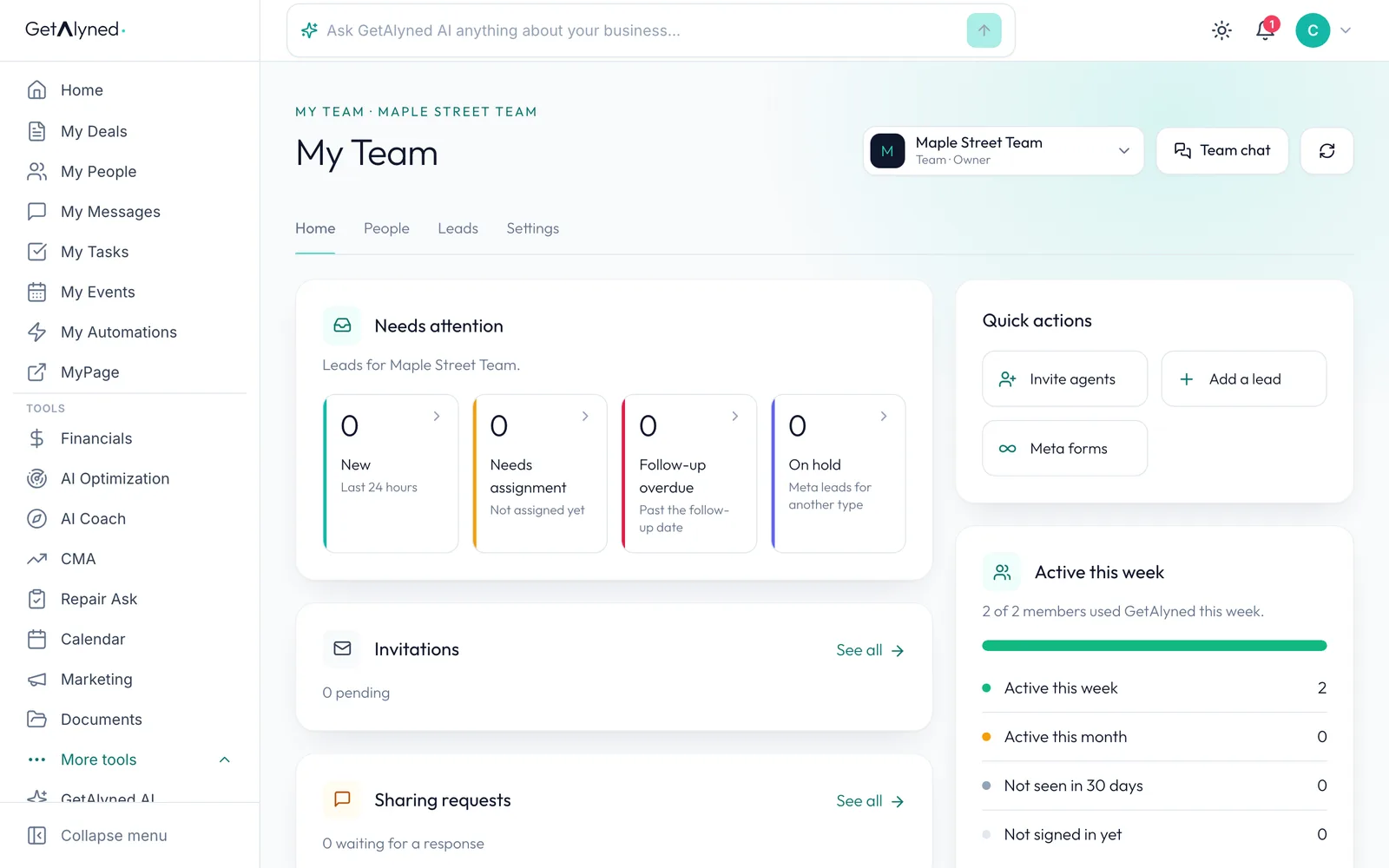
The owner and Admins are told you left, in the app and by email.
-
The notice
The notice says who left. Contacts that came from the team's leads stay with the team.
Related guides
- Create a team · Start a team, invite your teammates, and set who can do what. Each person keeps their own account, plan, contacts and deals.
- Share a contact or deal with your team · Everything in GetAlyned is private until you share it. Share one contact or deal at a time with your team's managers, and see exactly what they can read.
- Hand off or close your team · Make another member the owner of your team, or close it for everyone. Everyone keeps their own records.